
Translation result
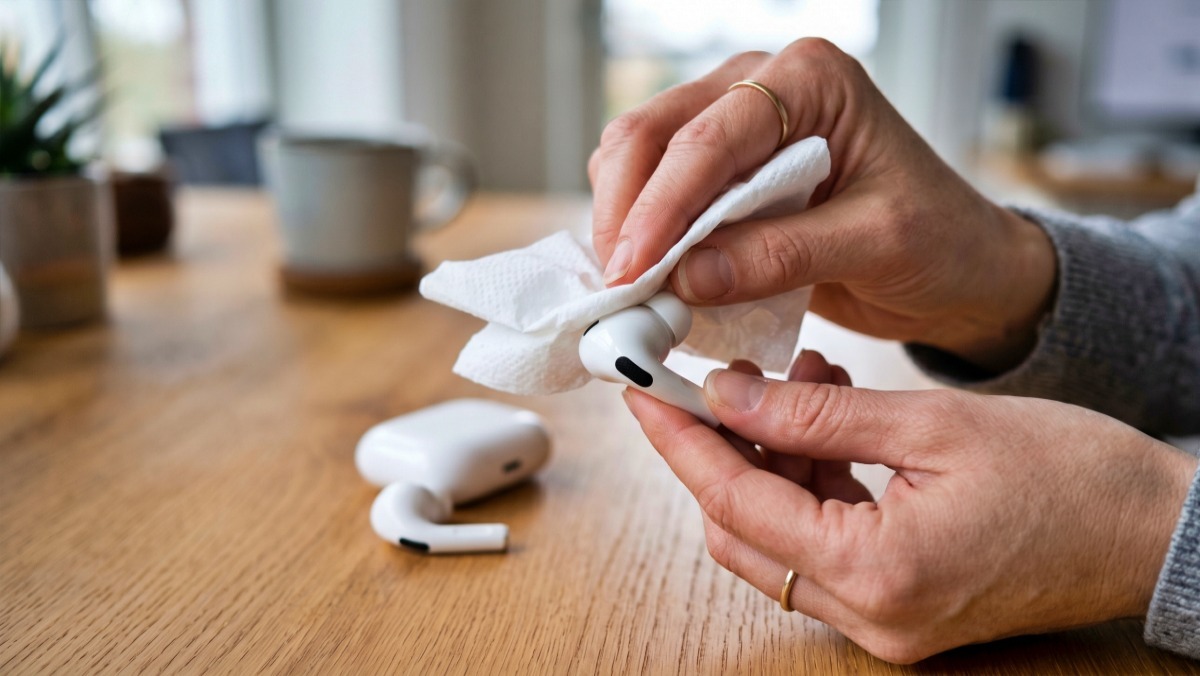
Earbuds—essential for commutes and downtime—age at different rates depending on how you care for them. Cleaning attempts meant to help can sometimes cause damage or introduce contaminants. To extend the life of your device and protect your ears, start with the right maintenance habits.
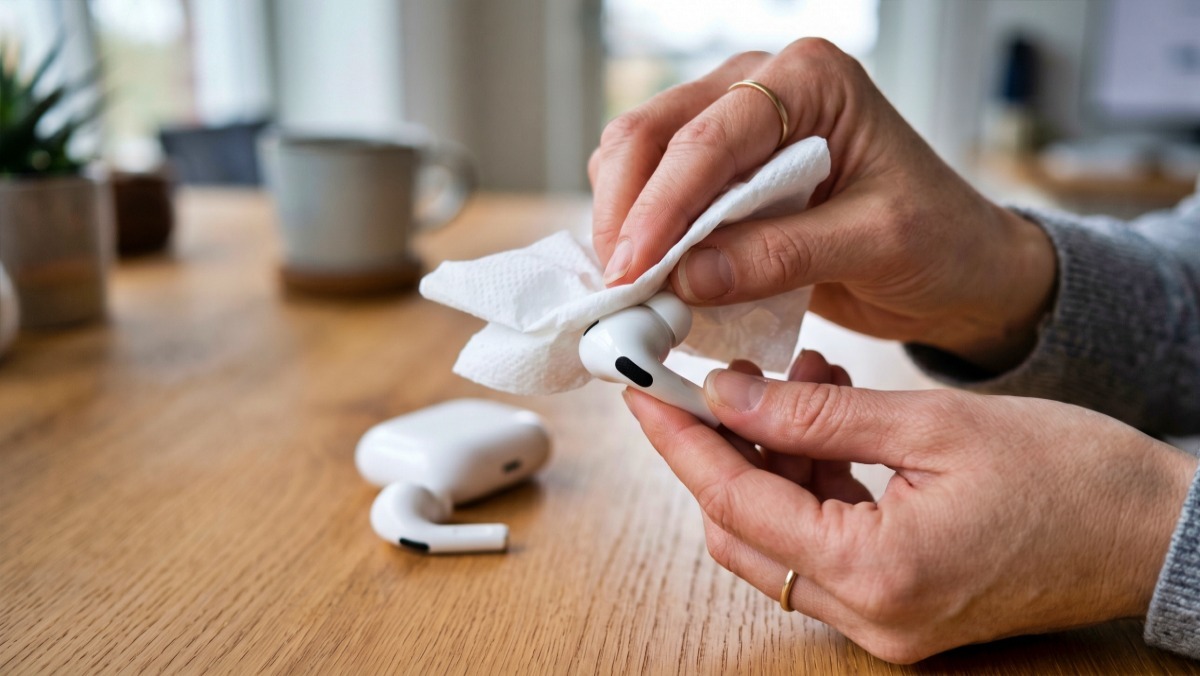
Why you shouldn’t blow into them or wipe them with wet wipes
Avoid forcefully blowing into the speaker mesh when dust or earwax collects on earbuds. Your mouth harbors many bacteria, and blowing can spray tiny droplets of saliva. If that moisture passes the mesh, it can reach the diaphragm or metal components and, over time, muffle sound or weaken output on one side.
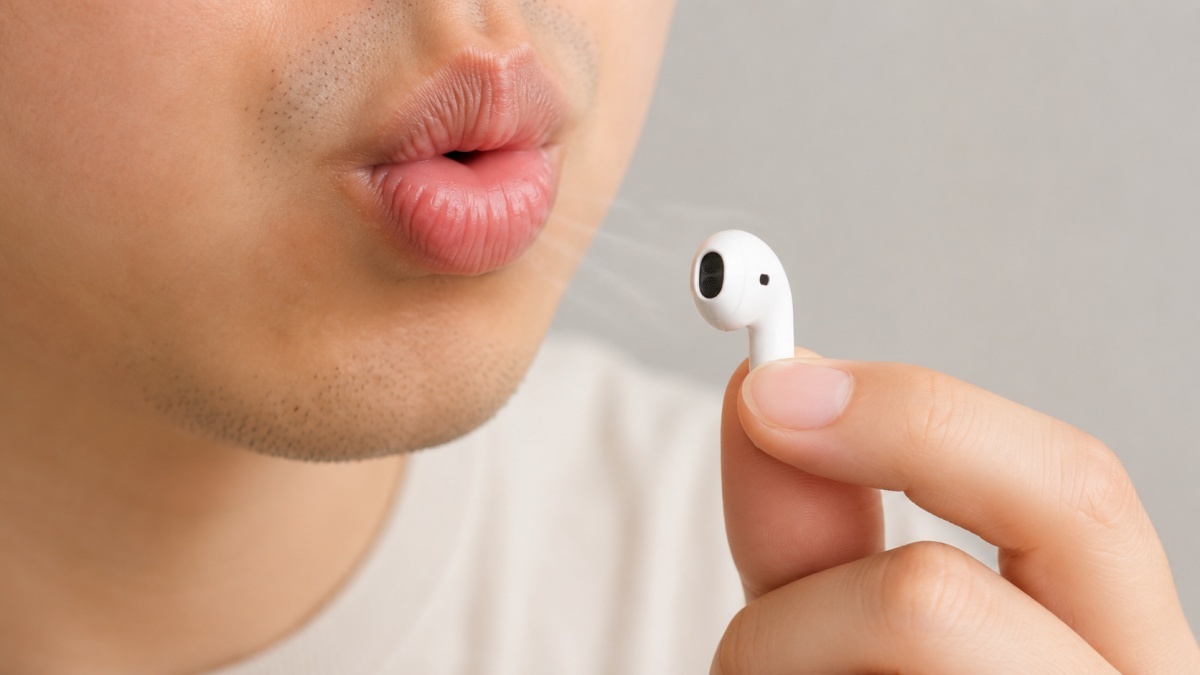
Strong puffs of air often push grime deeper into the mesh instead of clearing it away. Once dust and earwax migrate inside, they are difficult to remove at home. Don’t try to pick them out with sharp tweezers or needles — thin filters and meshes can tear, and damaging the speaker raises the cost and complexity of repairs.
Be cautious with wet wipes. Wiping the outside quickly may seem harmless, but you should keep moisture away from the speaker mesh and charging contacts. Wet wipes contain water and often include cleaning agents or fragrances that can seep through the mesh, reach internal parts, and leave a residue once dry. Sticky residue attracts dust and accelerates contamination. Strong oxidizers like hydrogen peroxide can also harm metal mesh or adhesive joints, so avoid using them.
Clean wireless earbuds by part
Before you start cleaning, power the earbuds off and remove them from the charging case. Don’t clean them while they’re charging, and avoid touching the contacts with wet hands. These devices contain many small parts, so gather your tools in advance. A dry cloth, cotton swabs, a soft brush, and a small amount of rubbing alcohol are enough for routine care.
If your earbuds have rubber tips, remove them from the body first. Soak the tips in lukewarm water with a drop of mild detergent for about a minute, then gently rub them by hand. Rinse with clean water, pat dry with a towel, and air-dry completely in the shade. Reattaching damp tips can allow moisture into the earbud body.
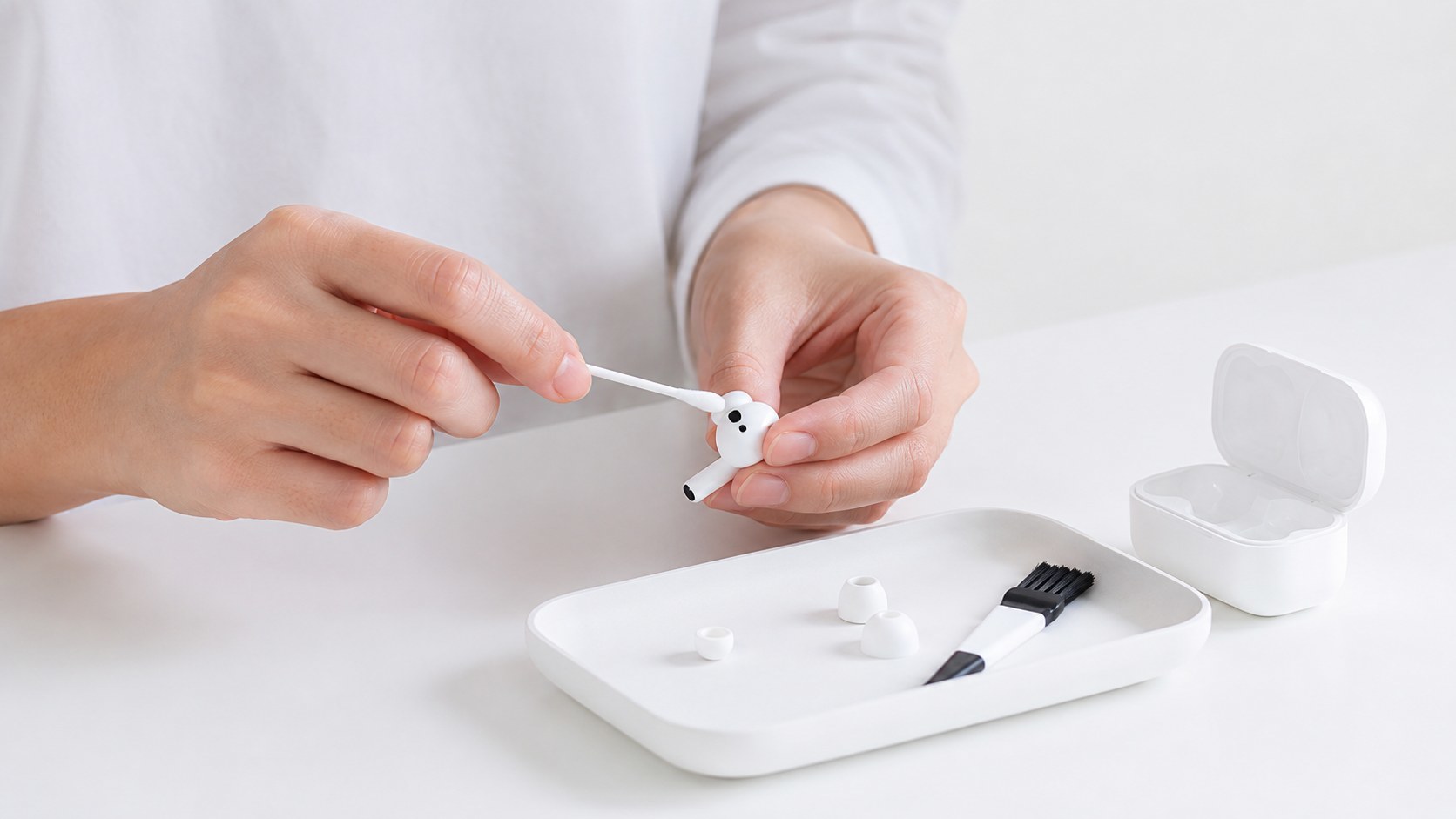
Never submerge the earbud body or rinse it under running water. Start by wiping the surface with a dry microfiber or eyeglass cloth. If sweat or oils remain, moisten a cotton swab with only a tiny amount of rubbing alcohol. Don’t soak the swab — press it once on the back of your hand or a tissue to remove excess liquid, and then clean primarily the outer surfaces.
Dry cleaning is better for the speaker mesh than using liquids. Lightly sweep the mesh with a soft toothbrush, makeup brush, or an electronics-cleaning brush. Don’t press hard; that can push debris inward or deform the mesh. If the mesh is clogged and sound is muffled, a dedicated adhesive cleaner or cleaning putty pressed lightly and lifted can help — but avoid applying deep pressure.
How to clean the charging case and metal contacts
Dust easily accumulates inside charging cases. Earwax, lint from pockets, and dust can get in when you insert and remove earbuds. If debris builds up on the metal contacts, charging may fail or connections can become unreliable. Start by cleaning the case interior with a dry cotton swab, then gently rub the contacts with a swab that has a very small amount of alcohol.
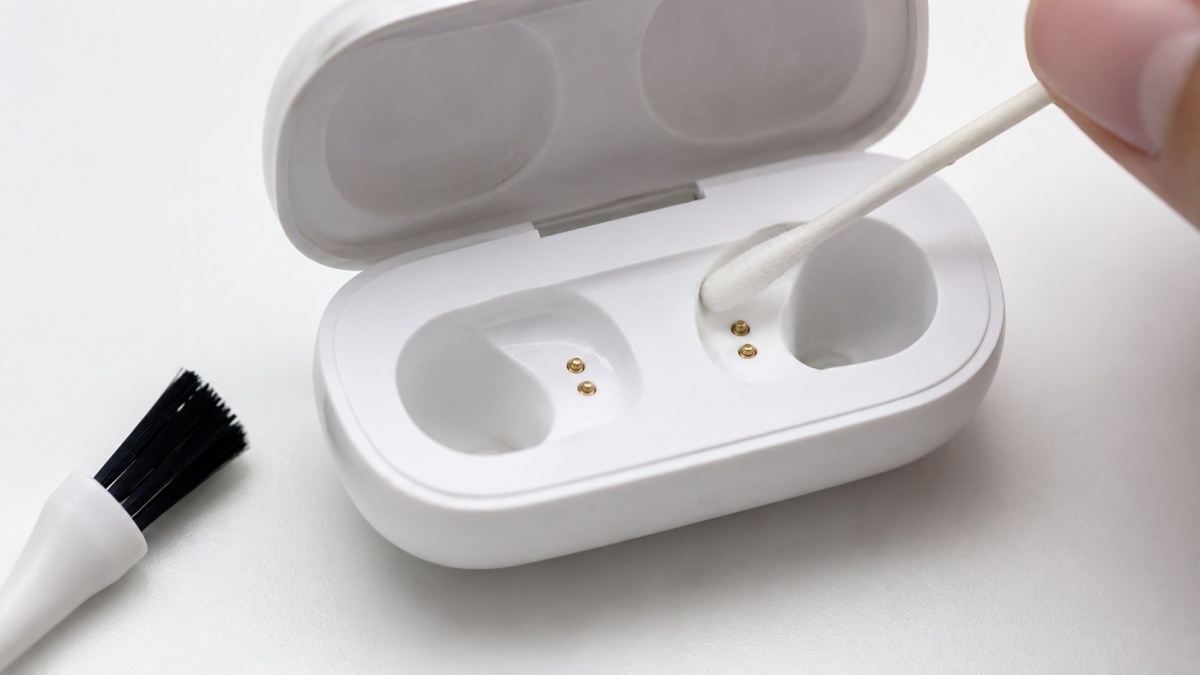
Don’t force debris out of case grooves or crevices with sharp tools. Scratching the plastic makes the surface attract dirt more easily. Instead, use a soft brush or press low-tack tape gently against grime to lift it away. After cleaning, leave the lid open for a short time to air-dry before returning your earbuds.
Store the charging case in a small pouch rather than tossing it loose in a bag to reduce contamination. Coins, keys, and cosmetics can scratch the surface or leave particles near the contacts. Wipe the case exterior with a dry cloth about once a week to keep it looking clean.
Wired earbuds need cable care, too
For wired earbuds, clean not only the parts that touch your ear but also the cable. Cables pick up skin oils, sweat, and cosmetic residues. If the surface becomes sticky, it attracts dust and the rubber can stiffen. About once a week, lightly wipe the entire cable with a well-wrung alcohol swab or a soft cloth.
Wipe the metal jack with a dry cloth. Dust inside the jack can cause unreliable connections. When storing, don’t wrap the cable tightly around a device; that stresses connectors and increases the risk of breakage. Coil it loosely and keep it in a pouch.
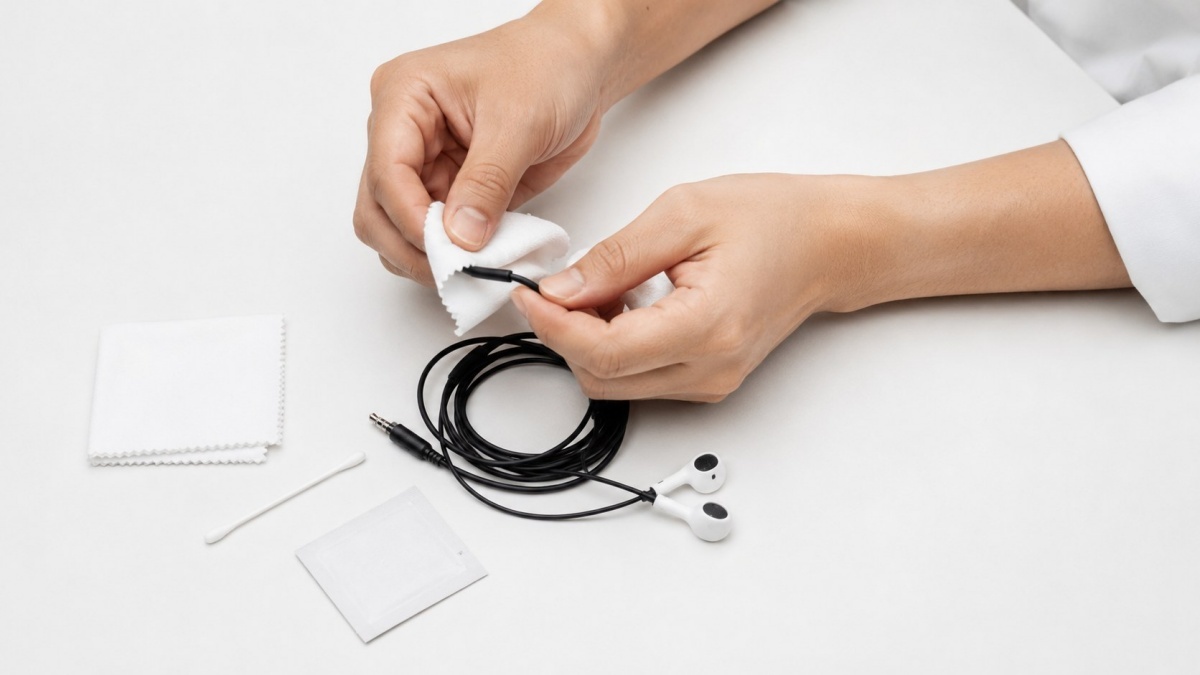
On humid days, a small silica gel packet in the storage box can help absorb moisture. Don’t let the packet touch the earbud surfaces directly, and keep silica gel out of reach of children and pets to prevent accidental swallowing.
Hygiene habits to protect your ears
Because earbuds contact the inside of the ear, their cleanliness affects ear health. The ear canal is warm and poorly ventilated, which makes it easy for bacteria to grow. Wearing dirty earbuds for long periods can irritate the ear canal and cause itching or pain. Avoid putting sweaty earbuds back into the case and then reusing them.
Sharing earbuds is also ill-advised because everyone’s ear microbiome is different. If you must share, clean the tips and the outer surfaces before use. For daily users, wipe earbuds at least two to three times a week; after exercise or heavy sweating, clean them immediately.
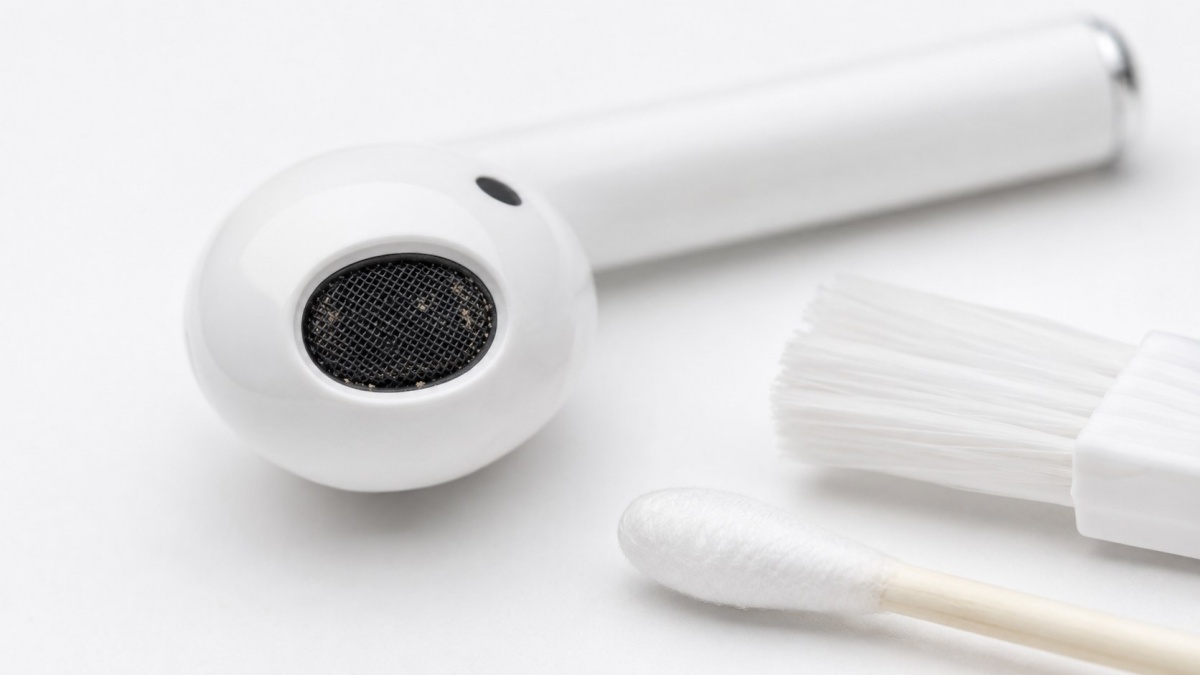
Wearing in-ear (canal) earbuds for long periods can seal the ear and cause discomfort. If you produce a lot of earwax, check the tips more often. Hardened buildup inside tips can block sound and reduce comfort. Forcing tips that don’t fit can increase friction and irritate the skin, so check sizes and replace them when necessary.
Don’t put earbuds in immediately after a shower when your ears are still wet. Trapped moisture creates an environment that encourages bacterial growth. Dry the area thoroughly before wearing earbuds, and give your ears a break during extended use.
Storage affects lifespan
How you store earbuds matters as much as cleaning them. Their small size makes it tempting to toss them in pockets or bags, but that exposes them to dust and shocks. Without a case, lint can cling to the mesh and impacts can create tiny gaps in the housing.
Earbuds are compact but delicate electronics. Even if they look fine externally, internal parts are sensitive to moisture and dust. Long exposure to high heat, humidity, or dust shortens their lifespan. Leaving them in a hot car in summer or out in freezing winter can reduce battery efficiency and stress internal components. Wireless earbuds, which contain built-in batteries, are especially vulnerable to wide temperature swings.
Bathrooms and kitchens are poor storage spots, too. Invisible steam and grease can seep into device seams. After use, wipe away sweat and oils with a dry cloth and store earbuds in their case. If the case is dirty, earbuds will get dirty again no matter how well you clean them, so clean the case, too.
Cut down on the habit of setting earbuds directly on desks or floors. Dust and hair stick easily, and you risk stepping on or dropping them. Use a dedicated case or small tray to reduce loss and contamination.
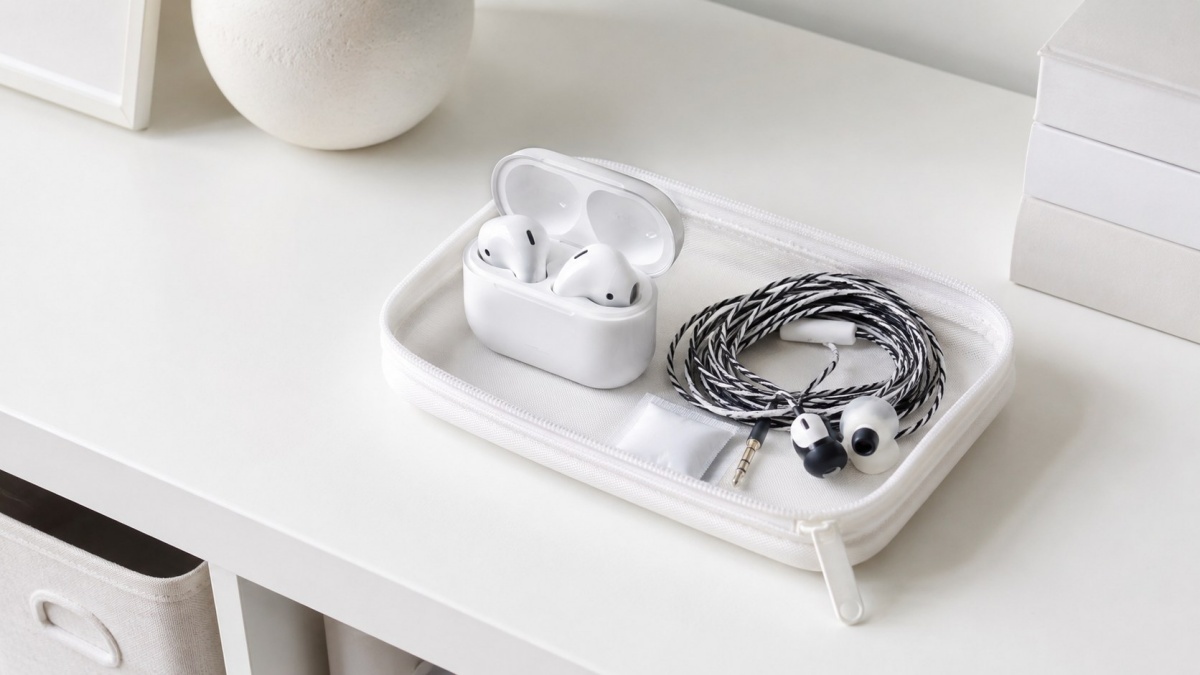
The essentials: keep them dry and use light disinfection
Set a maintenance schedule so you can address grime before it builds up. Daily users should wipe the exterior after each use and check tips and the case once or twice a week. Earbuds used for exercise collect more sweat and oils, so wipe them with a dry cloth immediately after use.
Clean earbuds by removing dust dry and disinfecting only where necessary. Avoid vigorous rubbing or heavy use of liquids. Don’t blow with your mouth, wipe speaker mesh with wet wipes, use hydrogen peroxide, or scrape with needles. Moisture and contaminants inside the device can degrade sound and cause failures.

The basic routine is simple: wipe the exterior with a dry cloth after use. Remove and wash tips, then dry them completely. Use only dry tools on the body and speaker mesh. For the charging case and contacts, start with dry swabs and apply alcohol sparingly and only where needed. For wired earbuds, clean the cable and metal jack as well.
If your ears itch or sound is quieter than usual, check for earbud contamination or a clogged mesh. If you experience pain, discharge, or hearing loss, don’t rely on cleaning alone — seek medical care. Because earbuds touch your ears every day, brief, consistent care routines protect both device longevity and ear health.
Keeping a small kit of cleaning tools makes maintenance easier. Stash cotton swabs, a soft brush, and a dry cloth together, and clean immediately after use so grime doesn’t set. Since earbuds contact your ears directly, short, regular care is the most practical prevention, and keeping your space tidy makes hygiene simpler.














Most Commented